
The Clean Crew Hub
Welcome to the Clean Crew Hub! This space brings everything you need into one easy place, designed just for our amazing team members. Sparkle on!
The Clean Crew Hub
Welcome to the Clean Crew Hub! This space brings everything you need into one easy place, designed just for our amazing team members. Sparkle on!

This is the text area for this paragraph. To change it, simply click and start typing. Once you've added your content, you can customize its design.
This is the text area for this paragraph. To change it, simply click and start typing. Once you've added your content, you can customize its design.
Quickbooks Payroll
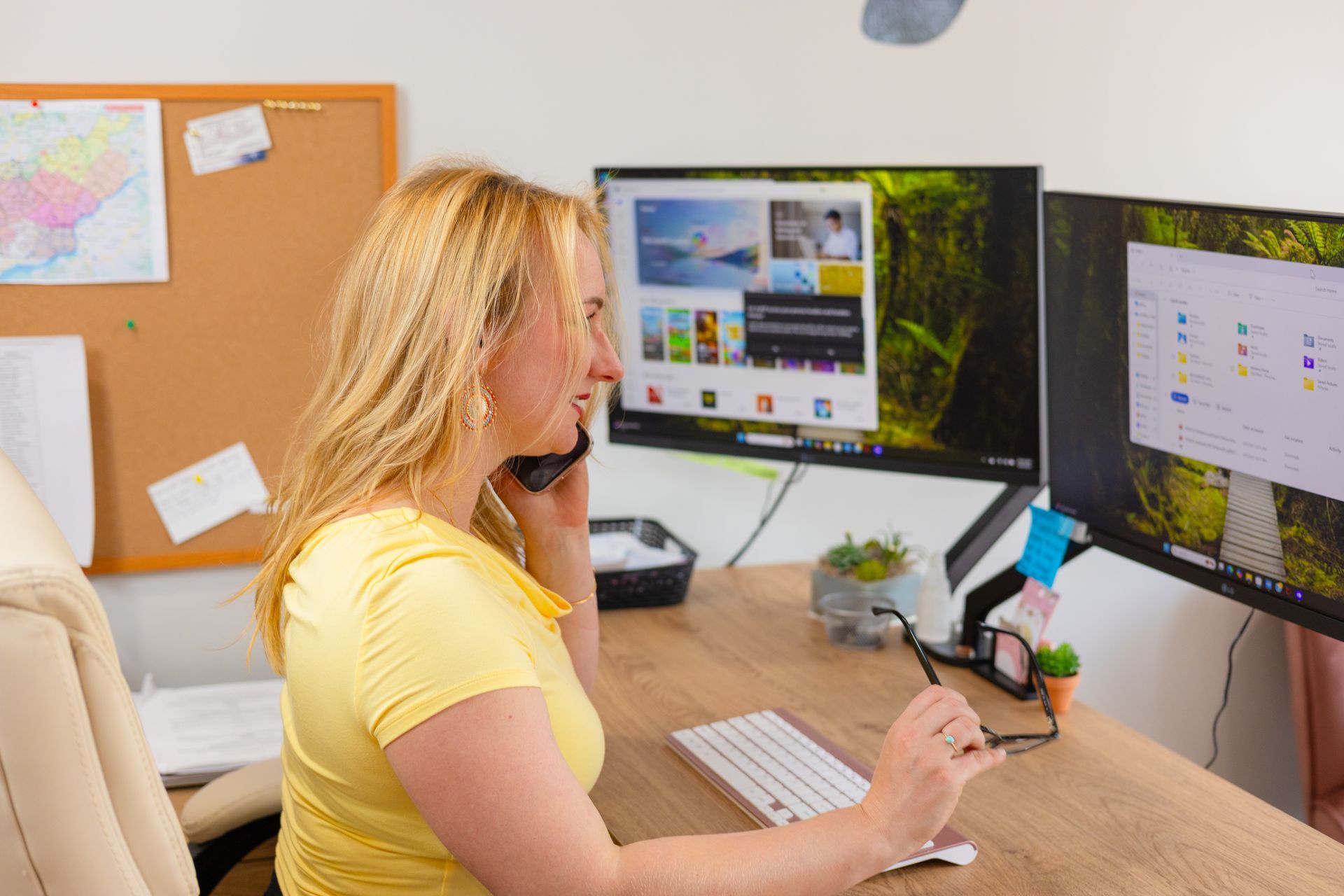
Quickbooks Payroll
This is paragraph text. Click it or hit the Manage Text button to change the font, color, size, format, and more. To set up site-wide paragraph and title styles, go to Site Theme.
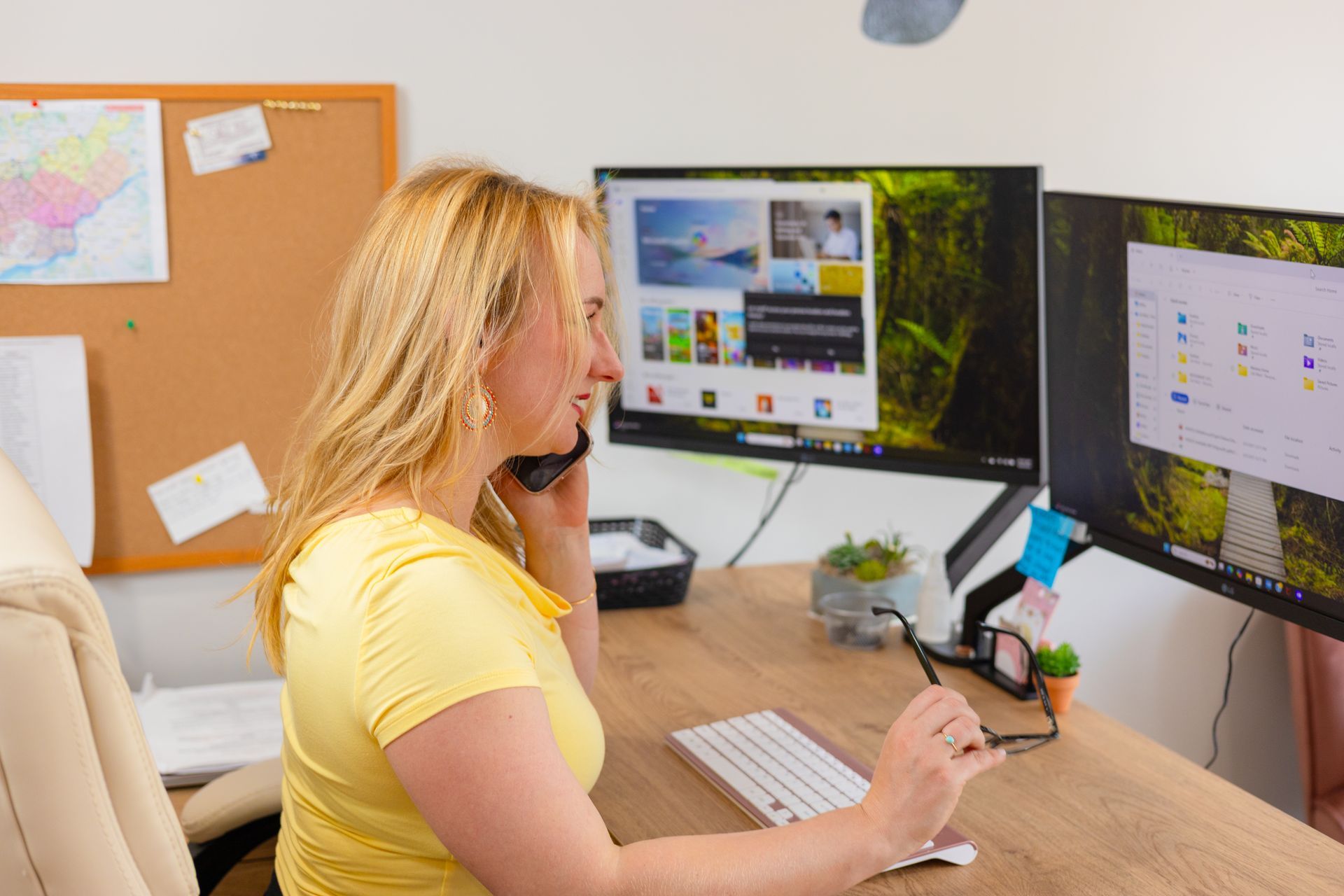
Employee Handbook
This is paragraph text. Click it or hit the Manage Text button to change the font, color, size, format, and more. To set up site-wide paragraph and title styles, go to Site Theme.

Step-by-Step Guide:
- Go to your portal: www.lifemaideasy.maidcentral.com.
- Log in: Enter the email address and password you used to register your account.
- Once you login, you will see your Technician Dashboard.
- You will see the jobs for the day displayed on your Dashboard. Here, you can clock in and out by clicking on the relevant button at the top of the page.
- If you click on a job listed on your Dashboard, you will be able to access the job details under the Job Worksheet. The Job Worksheet or Work Order must reviewed before each job that you complete. It will list the home information, access information and other pertinent information about the home.
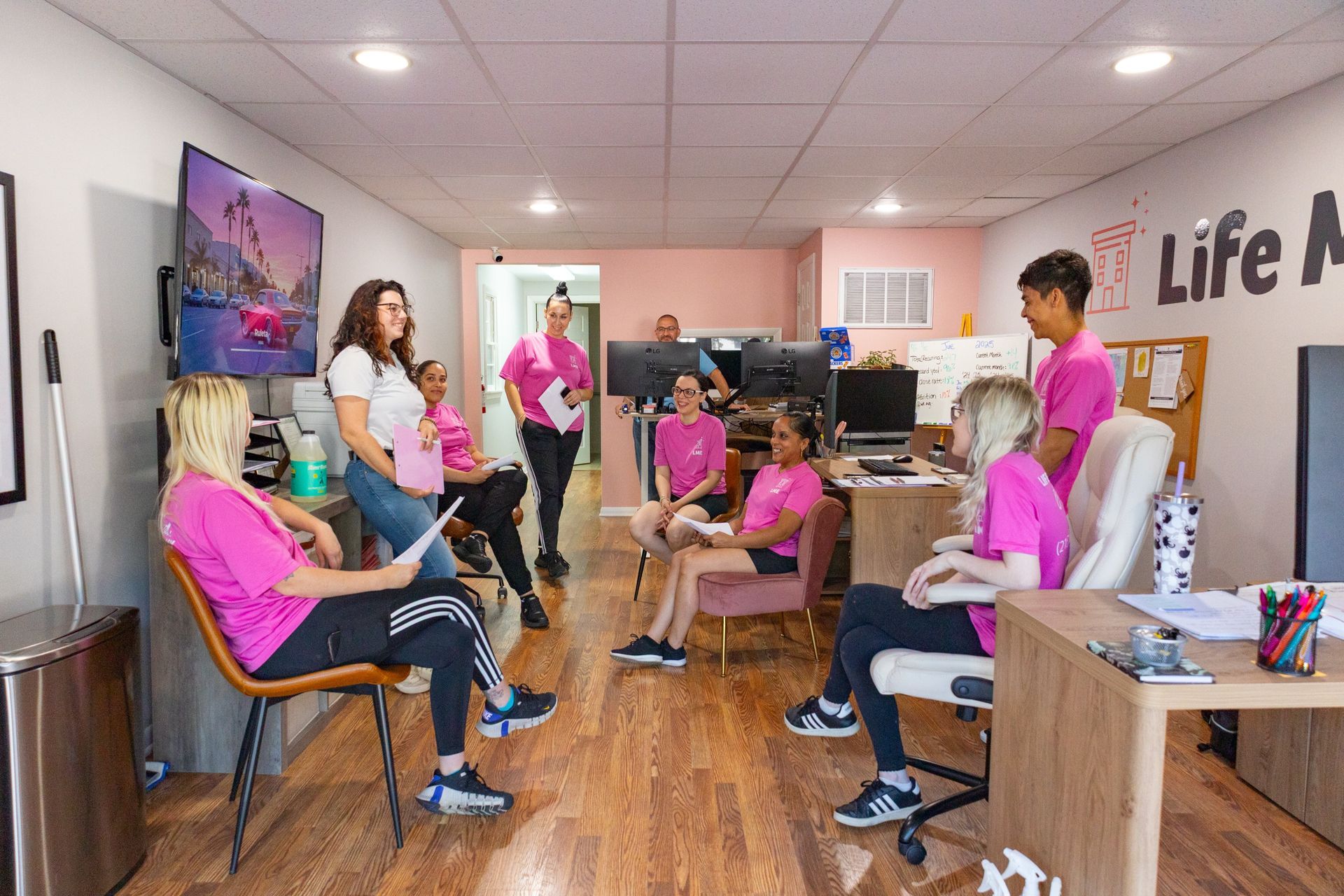
Technician Training
What is the training that I will receive as a Life Maid Easy Cleaning Technician?
You will receive a variety of training to which all Life Maid Easy technicians are held accountable for. This will include a combination of videos, on-site training with a trainer, and a written test.
Title or Question
Describe the item or answer the question so that site visitors who are interested get more information. You can emphasize this text with bullets, italics or bold, and add links.Title or Question
Describe the item or answer the question so that site visitors who are interested get more information. You can emphasize this text with bullets, italics or bold, and add links.